NordicTrack Commercial 1750: Common Error Codes and How to Fix Them
The NordicTrack Commercial 1750 is a high-performing treadmill built for serious runners, but even the best machines occasionally flash cryptic error codes. This guide explains the most frequent fault codes, their causes, and step-by-step fixes without needing a technician. Understanding these codes can save you time and money, letting you get back to your incline training or speed work quickly.
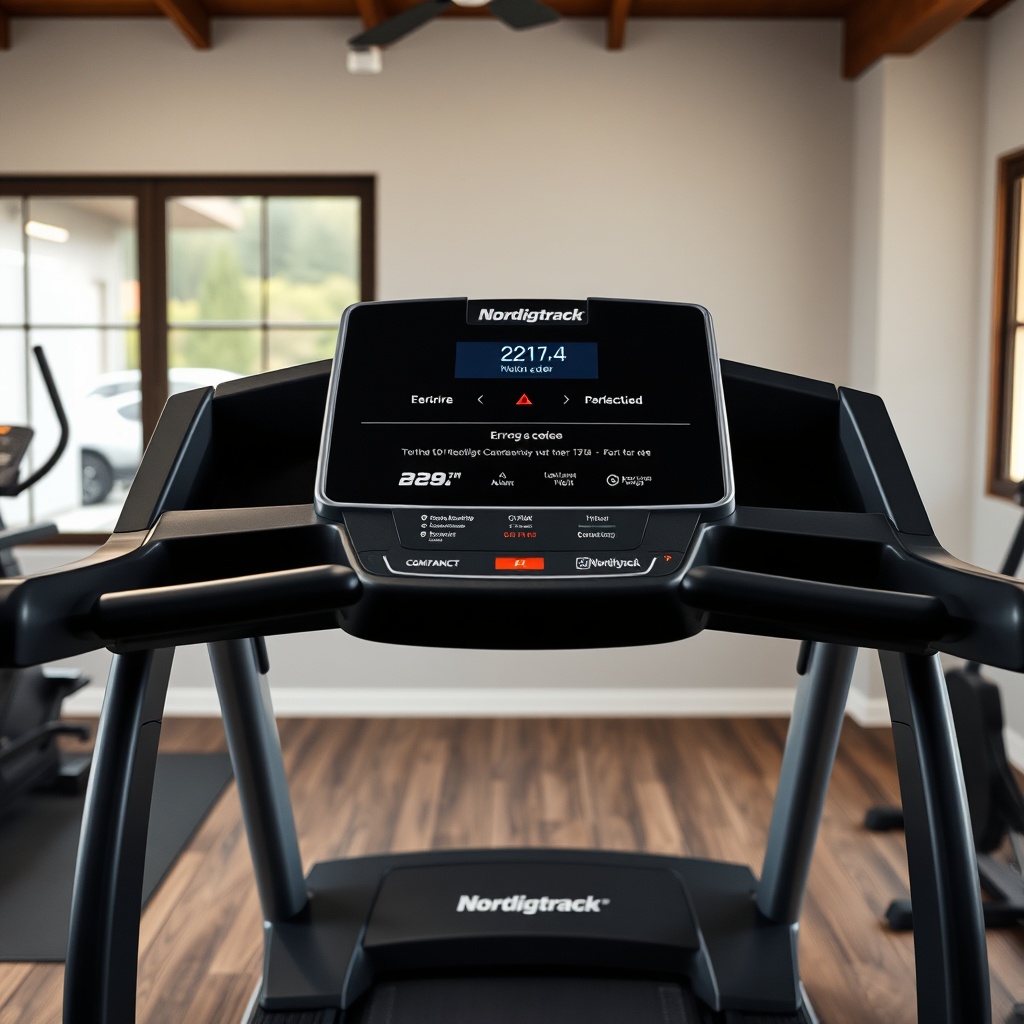
Error Code E1 – Motor Controller Communication Failure
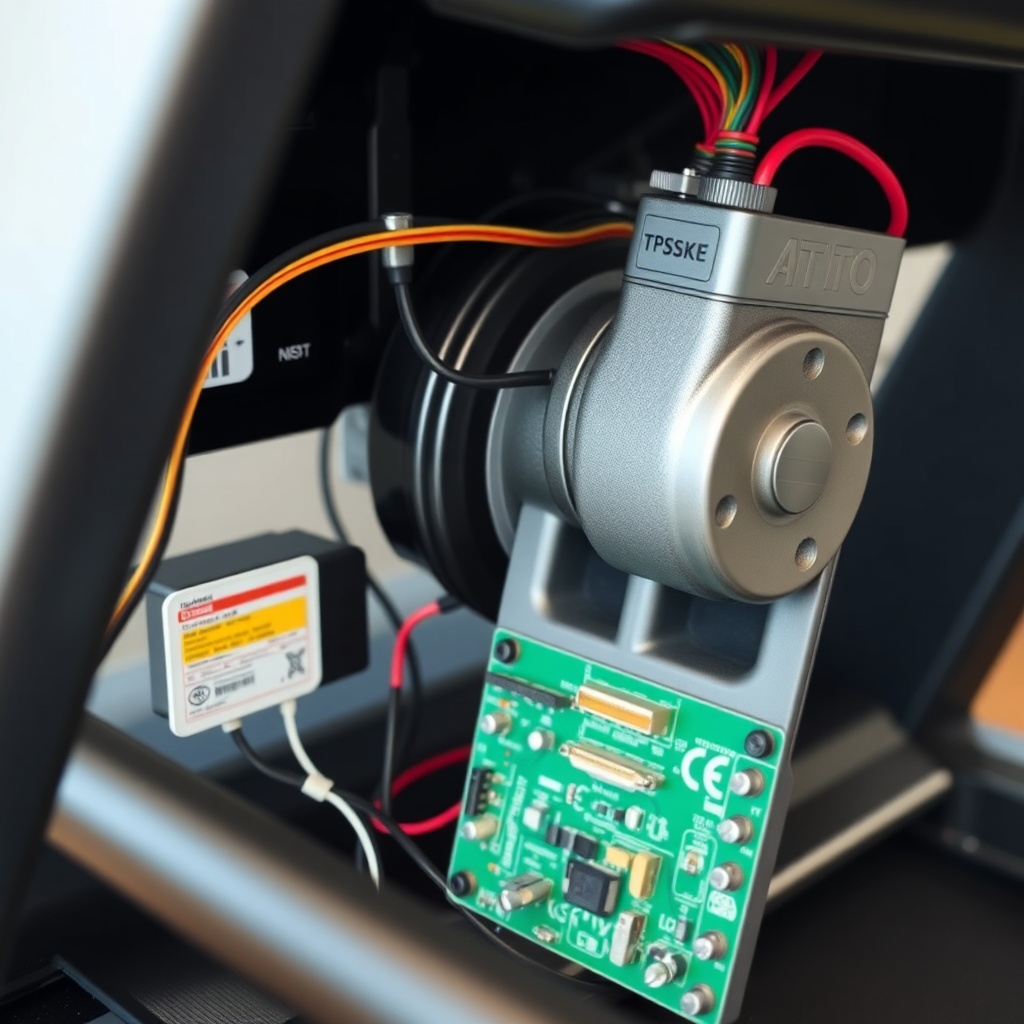
What it means: The console cannot talk to the motor controller board over the data wire. This often happens after a power surge, loose cable, or a fault in the controller itself.
- Step 1: Unplug the treadmill for 60 seconds to clear the controller memory.
- Step 2: Check the 10-pin ribbon cable connecting the console to the lower board. Ensure it is fully seated at both ends.
- Step 3: Inspect the AC power cord for damage; try a different outlet.
- Severity: Moderate – can often be fixed by reseating cables.
Error Code E2 – Incline Motor or Sensor Fault
What it means: The incline sensor, usually a magnetic reed switch on the lift mechanism, is not sending a valid position signal to the console. This is common if debris blocks the sensor, or the motor wire gets pinched during incline adjustments.
| Cause | Fix | Severity |
|---|---|---|
| Debris on sensor | Clean with compressed air | Low |
| Loose motor wire | Tighten connector at controller | Low |
| Burnt incline motor | Replace incline motor ($119–$179 AUD) | High |
Note: If you see NordicTrack Commercial 1750: Incline Training Features and Speed Adjustments, you’ll learn that the incline system uses a separate motor from the drive system—isolating the problem here saves confusion.
Error Code E3 – Drive Motor Overload
What it means: The treadmill’s main motor drew too much current, usually because of belt friction, a stuck bearing, or an overweight user. This code resets after cooling down.
- Step 1: Turn off the machine and wait 30 minutes.
- Step 2: Lubricate the walking belt with 100% silicone spray (avoid WD-40).
- Step 3: Check belt tension; it should lift 2–3 inches off the deck when pulled at center.
- Pro tip: A misaligned belt is a common cause—see NordicTrack Commercial 1750: How to Fix a Misaligned Running Belt for a detailed walkthrough.
Error Code E4 – Console Software Crash
What it means: The iFit console froze or encountered a corrupted update. This is the most common code after a failed firmware upgrade.
- Step 1: Perform a soft reset: hold the Stop button for 10 seconds.
- Step 2: If still showing, unplug for 2 minutes and plug back in.
- Step 3: Use the pinhole reset on the console back panel with a paperclip.
- Prevention: Always update iFit over stable Wi-Fi, preferably during off-peak hours.
Error Code E5 – Safety Key Fault
What it means: The console does not detect the magnetic safety key. This could be a missing key, a broken reed switch, or a misaligned sensor.
- Step 1: Ensure the key is snapped fully onto the console.
- Step 2: Test with a spare key if available (they are universal for many NordicTrack models).
- Step 3: Use a multimeter to test continuity at the console connector; if open, replace the reed switch (approx. $15 AUD).
What Owners Say
Most users praise the Commercial 1750 for its quiet motor and smooth cushioning during long runs. Common frustrations center on error codes E2 and E3 appearing after heavy use, especially in humid environments. Several owners on forums report that regularly cleaning the incline sensor with canned air prevents repeat E2 issues. A small portion mention iFit subscription costs as a downside, but many appreciate the automatic adjustment of speed and incline during structured workouts. Overall, satisfaction is high among those who follow basic maintenance like belt lubrication every three months.
Error Code E6 – Speed Sensor Failure
What it means: The magnetic speed sensor near the front roller is not sending pulses to the console. This usually happens if the sensor is knocked out of alignment or the magnet on the roller is damaged.
- Step 1: Turn the front roller manually; you should feel a slight magnetic resistance if the magnet is intact.
- Step 2: Adjust the sensor gap to 1–2 mm from the roller using the screw slots.
- Step 3: Replace the sensor ($25–$40 AUD) if the magnet is damaged or corroded.
Frequently Asked Questions
Q1: What does error code E1 mean on NordicTrack Commercial 1750?
A: It indicates a communication failure between the console and motor controller. Try unplugging for 60 seconds, then check the console ribbon cable connection.
Q2: How do I reset my NordicTrack Commercial 1750?
A: Hold the Stop button for 10 seconds for a soft reset. For a hard reset, unplug the machine for 2 minutes. Use the pinhole reset on the back of the console if needed.
Q3: Why does my NordicTrack 1750 keep showing error code E3?
A: This points to drive motor overload. Lubricate the belt, check tension, and ensure the belt is aligned. If persists, the motor or controller may need replacement.
Q4: Can I fix error E2 without technician help?
A: Yes, often by cleaning the incline sensor with compressed air or reseating the incline motor cable. Only if the motor is burnt out would you need a replacement part.
Q5: Is the NordicTrack Commercial 1750 worth buying in 2025?
A: Despite occasional error codes, it remains a top pick for serious home runners due to its 3.5 CHP motor, -3% to 15% incline, and iFit integration. Budget an extra $150 AUD for annual maintenance parts.
Q6: What is the warranty on the Commercial 1750?
A: Typically 10 years on frame, 2 years on parts, and 1 year on labor. Keep your receipt and register the product online to activate full coverage.