The Sole F85 is widely regarded as a workhorse in the home treadmill market, delivering robust build quality and a powerful motor for serious runners. However, like any complex piece of fitness equipment, it can occasionally display error codes that halt your workout and raise concern. One of the more common and frustrating issues users encounter is the Error E2 code, which often signals a communication breakdown between the console and the motor controller.
In this guide, we will walk you through the most probable causes of the Sole F85 Error E2, provide clear troubleshooting steps, and explain when professional repair or part replacement may be necessary. Understanding this code can save you time, money, and unnecessary stress, allowing you to get back to your training routine as quickly as possible.
What Does the Sole F85 Error E2 Code Mean for Your Treadmill?
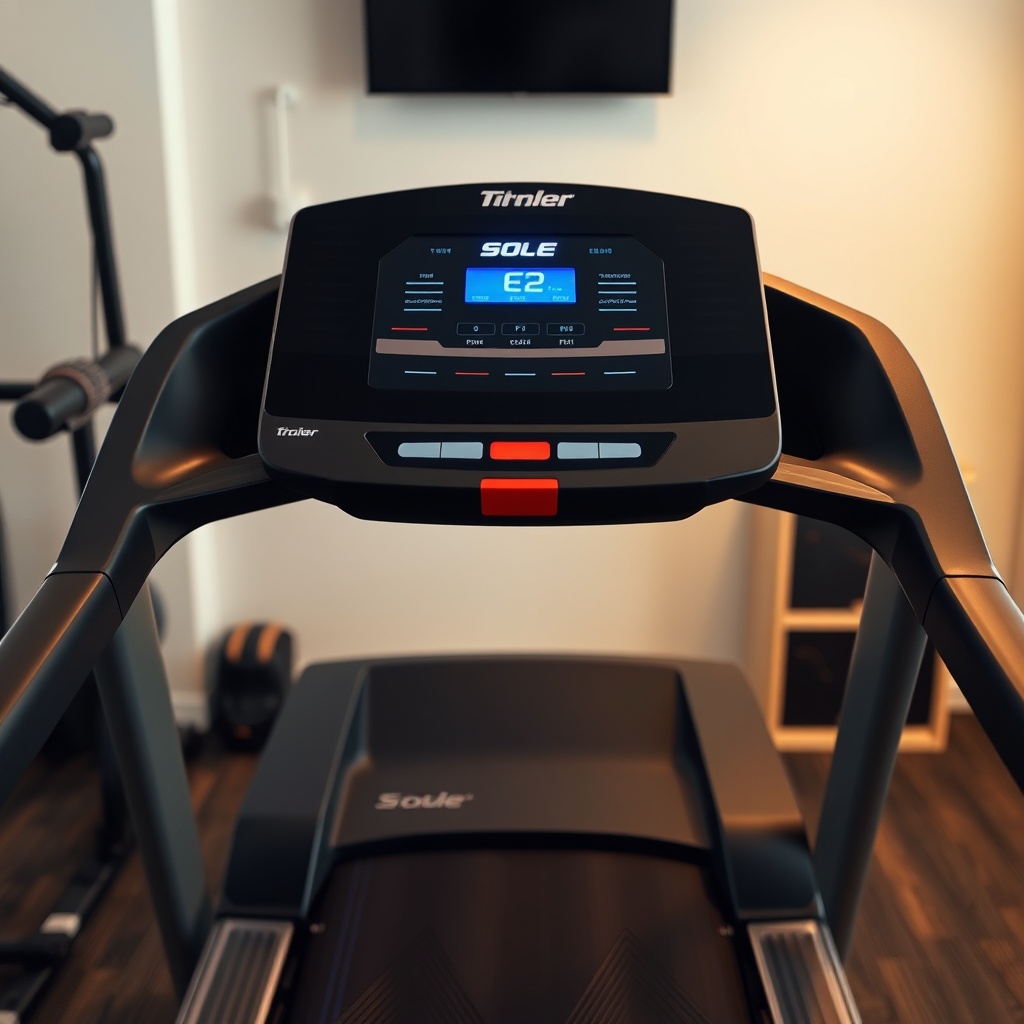
The Error E2 code on the Sole F85 indicates a “Communication Error” or “Console Communication Failure.” This means the upper console (where you control speed, incline, and view metrics) has lost reliable data exchange with the lower control board (the MCU or motor controller) located near the motor at the front of the treadmill. When this link is disrupted, the treadmill’s safety logic prevents the motor from engaging, displaying the E2 code on the display.
Common triggers include loose or damaged ribbon cables, a faulty console, a defective motor controller board, or electromagnetic interference from nearby electronics. Unlike the Error E1 code, which points to a safety key issue, E2 is strictly digital communication related.
Is a Loose Wire or Cable the Primary Cause of Error E2?
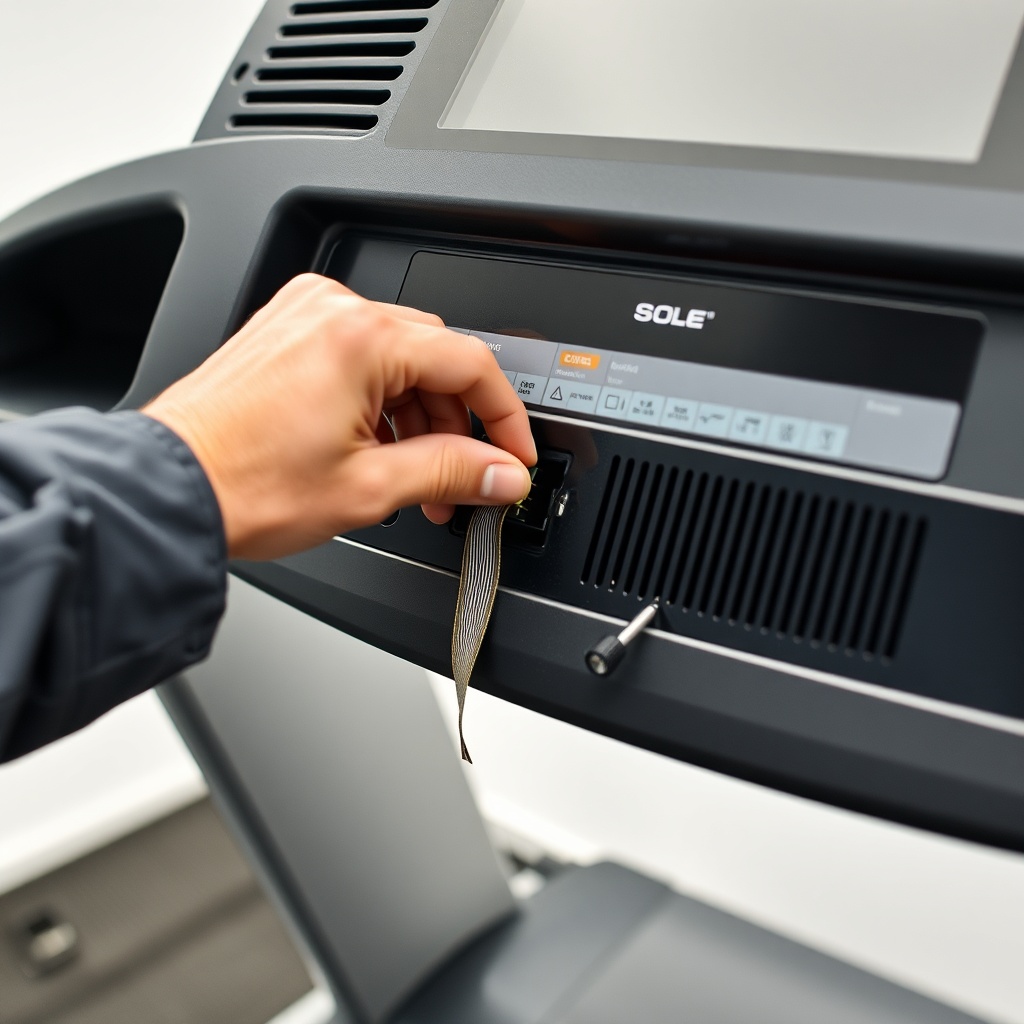
Yes. In the vast majority of Sole F85 Error E2 cases, the root cause is a loose, pinched, or partially disconnected cable—specifically the 10-pin ribbon cable that runs from the console down the upright post to the motor control board. This cable handles all signals for speed, incline, and display data. A rattling treadmill, moving the machine during cleaning, or even age after a few years can cause this connector to work loose.
Step-by-step cable check:
- Unplug the treadmill from the wall outlet for 30 seconds.
- Remove the two screws on the back of the console mounting bracket (using a Phillips head screwdriver).
- Carefully tilt the console forward to access the cable connections on the underside.
- Gently press the 10-pin ribbon cable connector firmly into its socket until you feel it click. Do the same at the lower board end (you may need to remove the motor hood cover for access).
- Re-seat all other small JST connectors on the console board as well, ensuring no pins are bent.
- Reassemble, plug in, and test. If the E2 code clears, you have solved the issue.
What Role Does the Motor Control Board Play in Error E2?
The motor control board (MCU) is the brain of the treadmill’s drive system. It receives commands from the console to adjust speed and incline. If this board has faulty capacitors, a burnt component, or has suffered a power surge, it may fail to communicate back to the console, triggering the E2 code. This is more common in units that have experienced electrical storms, power outages, or prolonged use in a humid environment.
Testing the board: If re-seating all cables did not help, visually inspect the MCU (usually a green or blue circuit board inside the motor compartment). Look for bulging capacitors, burn marks, or a burnt smell. If you see any physical damage, the board will almost certainly need replacement. If the board looks fine, you can use a multimeter to check for 5V DC output at the board’s communication pins (consult your service manual). A reading of 0V or erratic voltage indicates board failure.
Could a Faulty Console Be the Source of Error E2 on the Sole F85?
Absolutely. If the lower cables and motor control board check out fine, the problem may reside in the console itself. The console’s main board can fail due to age, a manufacturing defect, or corrosion from sweat ingress. This is especially true for units that see heavy daily use or are located in non-climate-controlled rooms.
Signs of a failing console include: intermittent power cycling, buttons not responding, partial display segments missing, or error codes appearing immediately upon power up. If you suspect the console, try disconnecting all cables except the power and safety key, then power on. If the E2 code still appears, the console unit is highly suspect. Replacing the console assembly for the Sole F85 typically costs between $200 and $400 depending on the supplier and whether you choose an OEM part or a refurbished unit.
For other console-related issues, our guide on Sole F85 Treadmill Heart Rate Monitor Issues: Common Problems and Fixes covers additional symptoms that can overlap with E2 errors.
How to Use a Treadmill Diagnostic Mode for Error E2?
The Sole F85 has a built-in diagnostic mode that can help pinpoint the exact source of the error. Accessing it is straightforward:
- Hold down the “Stop” and “Speed – (down)” keys simultaneously while plugging the treadmill into power. Continue holding for about 5 seconds until the display shows “DIAG.”
- Press the “Enter” key to cycle through diagnostic submenus. Look for error history (often labeled “Err” or “E”) and communication test options.
- In the “C” or “COMM” test, the treadmill will attempt to communicate with the console. If it shows “FAIL” or “E2” during the test, the lower board or cable is likely the issue. If it shows “PASS” but the error reappears later, the console might be the culprit.
- Exit diagnostic mode by pressing the “Stop” key twice.
Be careful not to change any settings you are unsure about, as improper adjustments can alter speed calibration or incline range. For accurate speed readings, refer to our Sole F85 Treadmill Speed Calibration: How to Ensure Accurate Readings guide.
What’s the E2 Error Severity Table for the Sole F85?
| Symptom/Code | Possible Cause | Severity | Estimated Repair Cost (USD) | DIY Difficulty |
|---|---|---|---|---|
| E2 appears immediately on power up | Loose console cable or faulty console | Moderate | $0 (if cable) – $300 (console) | Low |
| E2 appears after 30 seconds of use | Intermittent cable connection or motor controller overheating | Moderate-High | $50 (cable replacement) – $200 (MCU) | Medium |
| E2 with motor humming but no belt movement | Motor controller board failure | High | $150–$250 (MCU replacement) | Medium-High |
| E2 with console display flickering | Console board failure or power supply issue | High | $200–$400 (console assembly) | High |
| E2 after power surge or storm | Damaged MCU or console board from surge | High | $150–$400 (board replacement) | High |
What Owners Say About the Sole F85 Error E2 Code
Online forums and Amazon reviews reveal a common pattern among Sole F85 owners: E2 is both feared and manageable. Many long-term users report that the error first appears between 18 and 36 months of ownership. A frequent refrain is that re-seating the ribbon cable solves the problem about 60% of the time, making it a first-line fix.
One owner on a popular fitness forum noted: “I got the E2 error every time I folded the treadmill. After reading online, I found the console cable was being pinched by the upright post. Securing it with a zip tie solved it permanently.” Another shared: “I replaced the motor controller board myself after watching a video—cost me $180 instead of $400 for a service call.”
However, some owners express frustration when the error recurs after a fix, particularly if the lower board has a known E2 recurrence issue. For persistent issues, checking the Sole F85 Treadmill Running Belt Alignment: How to Center and Fix Drifting can also be helpful, as belt drift can indirectly cause cable strain.
Frequently Asked Questions About the Sole F85 Error E2
1. Can I reset the Sole F85 to clear the E2 code?
Yes, a full power reset can sometimes clear temporary communication glitches. Unplug the treadmill for 60 seconds, then plug it back in. If the error persists, proceed with the cable and board checks described above.
2. Will using a surge protector prevent Error E2?
While a surge protector cannot prevent all E2 errors, it can reduce the risk of damage to the motor control board and console from electrical spikes. It is strongly recommended for any home treadmill.
3. How much does it cost to repair a Sole F85 Error E2 professionally?
A professional service call typically ranges from $75 to $150 for the diagnostic fee alone. Parts cost extra: a console cable is about $20–$40, a motor control board $150–$250, and a full console assembly $250–$400. Total repair with labor could be $200–$600.
4. Can a worn treadmill belt cause the E2 code?
No, a worn or misaligned belt does not directly cause a communication error like E2. However, a belt that is too tight can put strain on the motor, which may indirectly affect the motor controller over time. For belt-related issues, see our guide on Sole F85 Treadmill Error E7 Code: Troubleshooting and Fix for a related drive error.
5. Should I replace the cable myself or call a technician?
If you are comfortable with basic tools (screwdrivers, possibly a multimeter), re-seating or replacing the ribbon cable is a safe DIY task. If you are not confident, or if the error persists after cable checks, it is wise to call a technician to avoid damaging sensitive electronics.
6. Is Error E2 covered under Sole warranty?
Yes, for the first 2 years (labor) and up to 5 years (parts) depending on the component. The motor control board and console are covered under parts for 3 years. Contact Sole customer service with your purchase date and serial number to verify coverage.