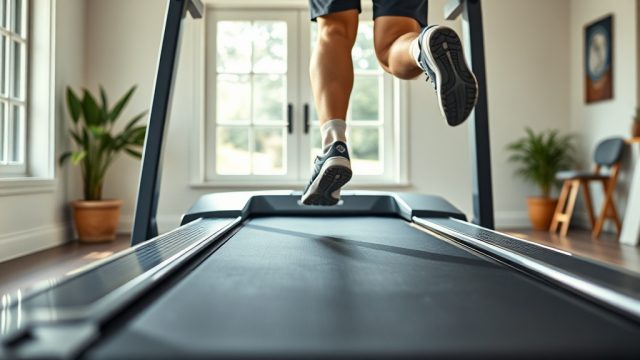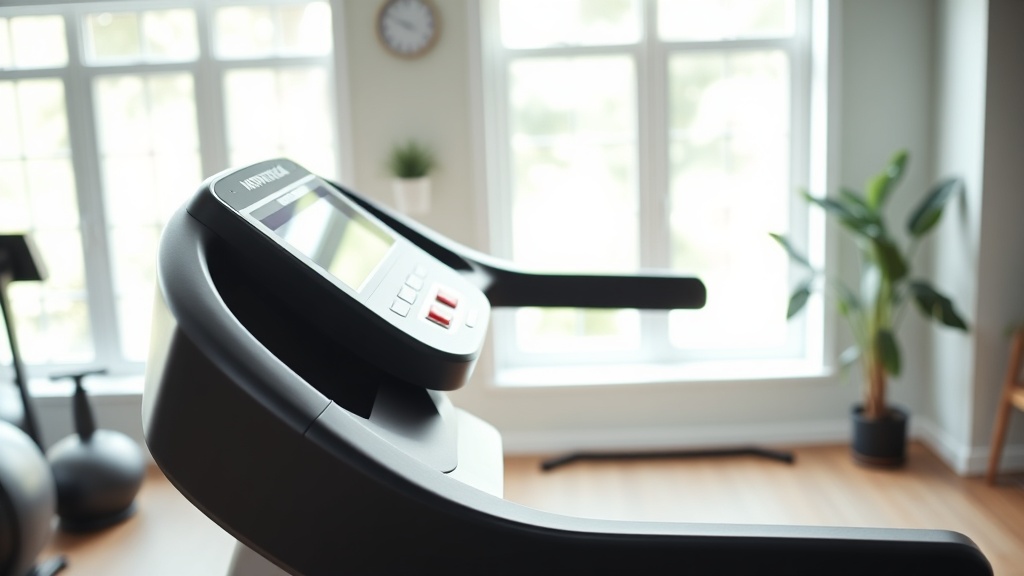
NordicTrack Commercial 1750: Incline Training Features and Speed Adjustments
When you step onto the NordicTrack Commercial 1750, you’re getting a machine designed to mimic real-world terrain changes with its -3% to 15% incline range and rapid speed adjustments. This article breaks down exactly how these features work, what they mean for your training, and what users commonly encounter during use. We focus on the practical, mechanical, and software aspects of incline and speed control on this specific model.
How Does the Incline Range from -3% to 15% Actually Work for Decline Running?
The NordicTrack Commercial 1750 offers a -3% decline (downhill simulation) up to a 15% incline (uphill simulation). This is achieved through a motorized lift mechanism that raises and lowers the entire front end of the deck. The -3% decline is a standout feature rarely found in home treadmills under $2,000. It works by lowering the front of the deck below level, which shifts your center of gravity and forces your hamstrings and glutes to work differently than on flat ground. For practical use, decline running can reduce the impact on your knees compared to flat running at the same speed, but it increases the eccentric load on your quadriceps. Most users find that a -2% to -3% decline feels similar to running down a gentle hill outdoors. The mechanism itself uses a durable linear actuator that operates smoothly, though you will hear a distinct whirring sound during adjustment. It takes approximately 10 to 15 seconds to move from full decline to full incline.
What Is the Maximum Speed and How Quickly Can You Adjust It?
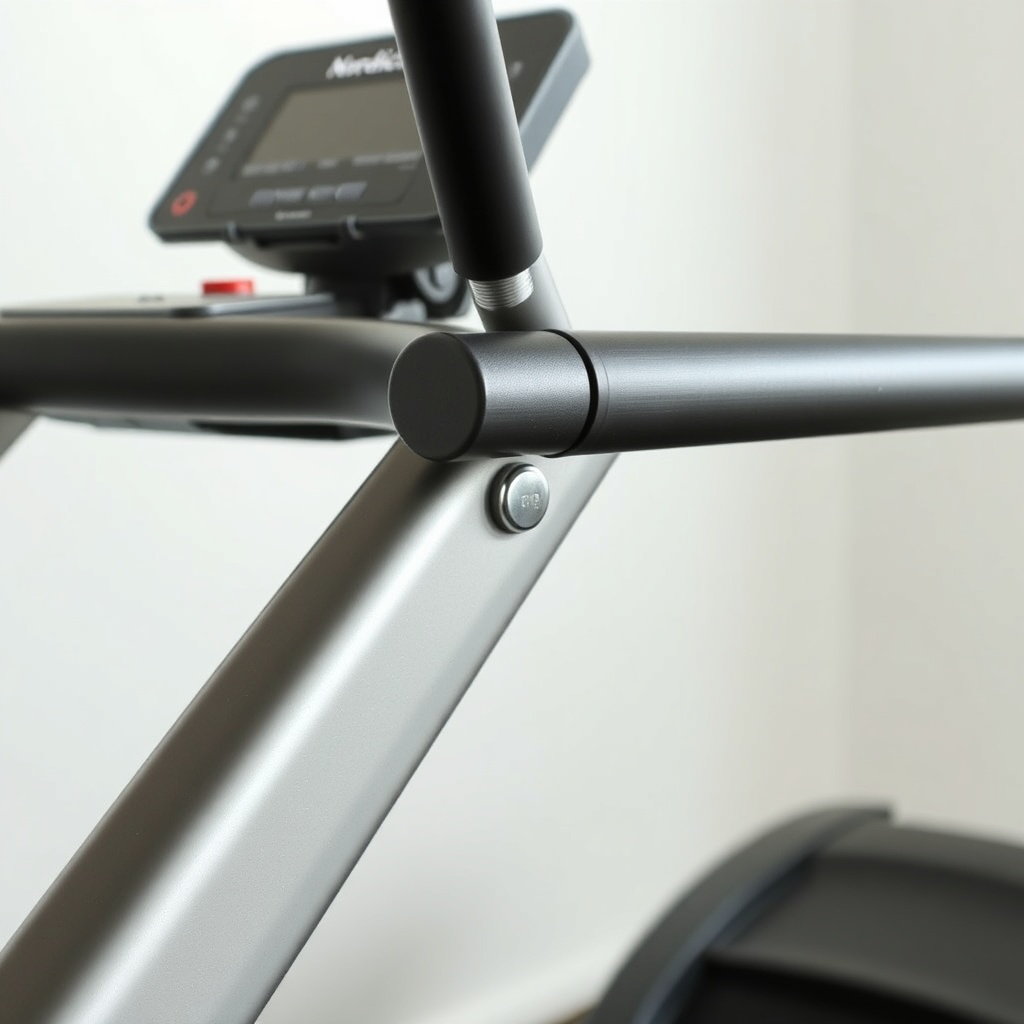
The NordicTrack Commercial 1750 offers a top speed of 12 mph (approximately 5:00 per mile pace). The speed adjustment is controlled by dedicated buttons on the console: quick-jump buttons for 1 mph increments and smaller buttons for 0.1 mph fine-tuning. The motor responds with minimal lag; when you press a speed button, the belt reaches the target speed within 2 to 3 seconds for most adjustments. For sprint intervals, you can set a custom program that automatically ramps up and down, which is more reliable than manual tapping during high-intensity work. The motor is a 3.5 CHP DurX Commercial Plus motor, which maintains consistent torque even at lower speeds for walking. One practical note: if you rapidly press the speed increase button from a stop to 10 mph, the treadmill will accelerate at a controlled rate to prevent a sudden jolt, taking about 8 seconds to reach top speed.
Speed Adjustment Responsiveness Table
| Adjustment Type | Severity / Level of Concern |
|---|---|
| 1 mph single button press | Usually not urgent – response is immediate and smooth under normal weight load |
| 0.1 mph fine-tuning during speed work | Usually not urgent – works reliably for gradual changes |
| Rapid multi-press from low speed to high speed (e.g., 2 mph to 10 mph) | Needs attention soon – if belt slips or motor hesitates, check belt tension and lubrication |
| Speed adjustment during decline running | Needs attention soon – if you hear clunking or feel belt chatter, inspect deck alignment |
How Do the Incline and Speed Controls Interact During Interval Training?
For interval training, the NordicTrack Commercial 1750’s iFit platform or manual mode allows you to combine incline and speed changes simultaneously. In manual mode, you can change both independently; for example, you might increase speed to 8 mph while raising incline to 8% for a hill repeat. The console handles this without freezing or lag. However, the interaction between the two systems matters: if you increase speed while the incline is rising, the motor draws more current to maintain belt speed while the lift mechanism operates. This is not a problem under normal use, but if you attempt a max speed (12 mph) and max incline (15%) change simultaneously, the system may briefly prioritize speed over incline, causing a slight pause in incline movement for 1-2 seconds. This is a protective feature, not a fault. For best performance, initiate your incline change first, then adjust speed after the deck has settled.
What Are the Common Incline Calibration Issues and How to Fix Them?
Some users report that the incline reading on the console becomes slightly inaccurate over time, typically showing a 1% to 2% offset. This is often due to the lift mechanism needing recalibration. The built-in calibration procedure is straightforward: press and hold the Incline and Speed buttons simultaneously for about 10 seconds until the console enters calibration mode. The treadmill will then automatically cycle from full decline to full incline to reset the sensor. If the issue persists, check for debris around the lift actuator or ensure the treadmill is on a level surface. Another minor issue: the incline may drift by 0.5% during a long run if the belt tension is too loose, causing the deck to shift slightly under load. Tightening the rear roller bolts can resolve this. Calibration typically resolves 90% of reported incline accuracy problems.
Does the Decline Feature Affect Belt Tension or Deck Wear?
Running on a decline (-3%) changes the distribution of force on the belt and deck. Because your weight is shifted forward, the front roller sees slightly more load than the rear. Over time, this can accelerate wear on the front roller bearing if you frequently run at high speeds on decline. Estimated lifespan of the belt under typical use (mix of flat, incline, and decline) is about 1,500 to 2,000 miles before replacement is recommended. The deck itself is a 60-inch by 20-inch commercial-grade surface that is reversible; you can flip it after about 1,000 miles to extend its life. For decline running, ensure the deck is properly lubricated every 3 months or 150 miles, whichever comes first. A dry deck combined with decline can cause belt slip, which feels like a momentary loss of traction under your feet.
What Owners Say
Owner feedback on the incline and speed features of the NordicTrack Commercial 1750 is generally positive, with a few recurring themes. One common observation is that the decline function feels genuinely different and helps engage posterior chain muscles more than expected. Another frequent comment is that the speed buttons are placed conveniently but can be accidentally pressed during a run if you brush against the console. Several owners note that the incline calibration needed adjustment out of the box, but the process was simple and resolved the issue. Overall, owners appreciate the responsiveness of the motor and the quiet operation of the incline mechanism compared to older models.
Frequently Asked Questions
Can I run at 12 mph on a 15% incline continuously?
The motor can handle it, but it is not recommended for more than 2-3 minutes due to excessive heat buildup and increased wear on the belt and motor. For sustained high-intensity work, keep the incline below 10% at top speed.
Does the incline work during iFit workouts automatically?
Yes, iFit programs automatically adjust the incline and speed based on the workout map or trainer settings. You can override the incline manually at any time using the console buttons.
Why does my incline show -3% but feels flat?
This can happen if the treadmill is not on a perfectly level floor. Check that all four feet are firmly on the ground and recalibrate the incline sensor. A user weight over 250 lbs can also slightly compress the deck.
How do I know if the belt speed is accurate?
Most units are accurate within 0.1 mph at the factory. You can verify speed using a stopwatch and a measured distance on the belt (mark a line and time 10 revolutions at a known speed). If it is off, contact customer support for calibration.
Can I use the decline feature if I have knee problems?
Decline running increases quadriceps and patellar tendon load. If you have anterior knee pain, start with -1% only and monitor discomfort. Many physical therapists recommend avoiding decline if you have patellofemoral issues.
What maintenance does the incline mechanism require?
Inspect the actuator rod for debris every 3 months. Lubricate the pivot points with a silicone-based spray lubricant every 6 months. The mechanism is sealed, so no internal greasing is needed.