NordicTrack Commercial 1750 Safety Key Replacement Guide: Finding the Right Fit and Fixes
When the safety key on your NordicTrack Commercial 1750 goes missing or stops functioning, it can bring your entire workout routine to a halt. This guide covers everything you need to know about finding the correct replacement key, verifying compatibility, and troubleshooting related issues. From identifying genuine versus generic parts to resolving key-related error codes, we provide a practical path forward for getting your treadmill back up and running safely.
What does the safety key do on the NordicTrack Commercial 1750?
The safety key on the NordicTrack Commercial 1750 serves two critical functions. First, it acts as a physical dead-man’s switch: if the key is pulled from its console receiver, the treadmill stops instantly, preventing injury during a fall or emergency. Second, most Commercial 1750 models—especially those produced after 2018—require the key to be inserted for the console to power on or register any button input. Without it, the machine will remain completely unresponsive, often displaying a “No Key” or “Insert Key” message on the screen.
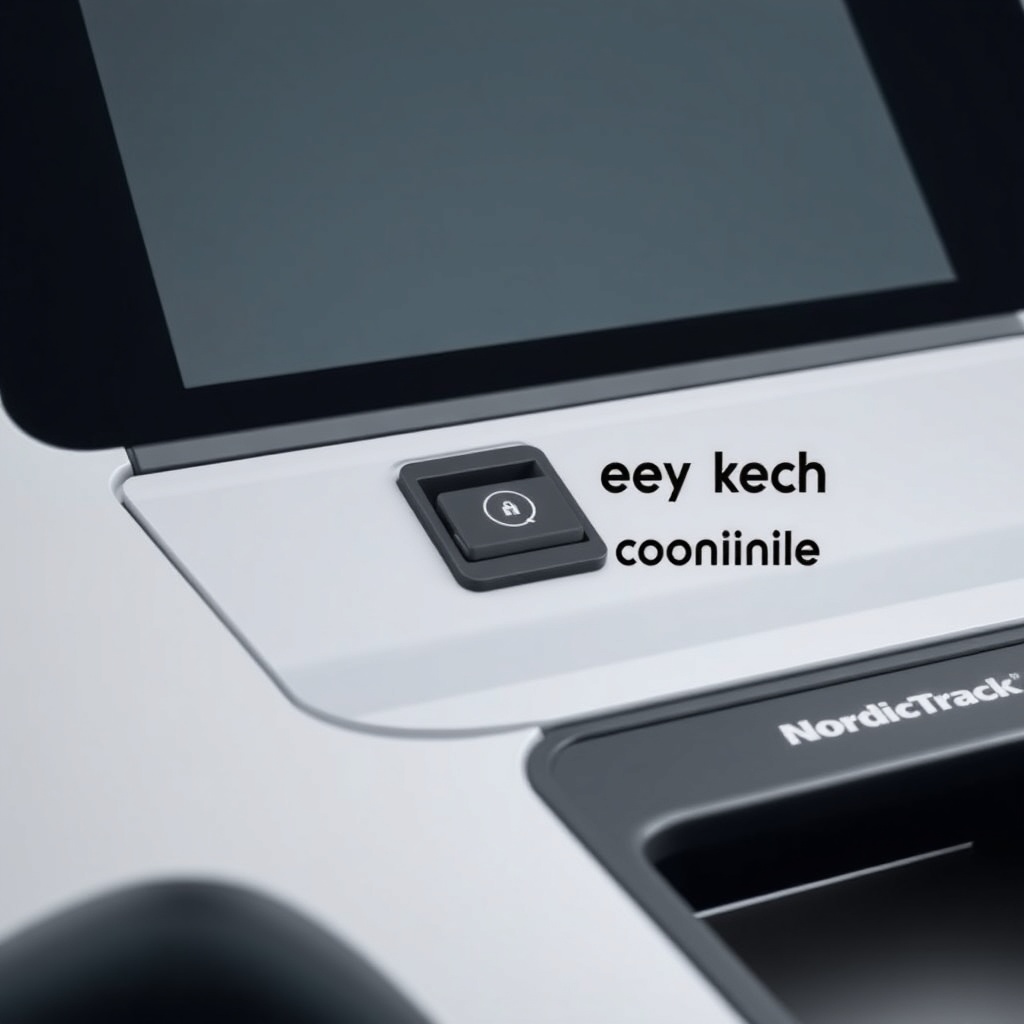
It is important to note that the safety key is not a simple piece of plastic: it contains a small, embedded magnet that activates a reed switch inside the console. That magnetic detection is what the treadmill uses to confirm the key is present. If you attempt to use a non-magnetic key (like a generic blank without a magnet), the system will not recognize it as a valid safety device. For more details on console behavior when the key is missing, see our guide on NordicTrack Commercial 1750: Common Error Codes and How to Fix Them.
How do I identify the correct replacement safety key for my model?
NordicTrack has used at least three distinct safety key designs across the Commercial 1750 series between 2015 and 2025. The simplest way to identify the correct replacement is to inspect the key slot on your console. Older units (pre-2020) typically use a square or rectangular key with a small metal clip, while newer models (2020 onward) use a rounded, oval-shaped key with a silicone strap. The magnet polarity also varies: some keys use a north-south orientation, while others use a south-north orientation relative to the reed switch.
You can cross-reference using the model number sticker on the back of the console or the underside of the treadmill frame. Look for a sequence like “NTL17920” or “NTL17921” for the Commercial 1750. Contact NordicTrack customer support with that number to confirm which key part (e.g., 347516 or 410101) matches your unit. Third-party sellers list keys by “fits NordicTrack 1750” but be aware that compatibility is not universal across all production years.
Can I use a third-party or universal safety key as a replacement?
Yes, third-party safety keys are available for the NordicTrack Commercial 1750, and many users report success with them—provided they meet two conditions. First, the key must contain a magnet strong enough to trigger the reed switch from a distance of 5–10 mm (the typical gap inside the console slot). Second, the key’s physical shape must allow it to seat fully into the slot without forcing. Cheap universal keys often use weaker magnets or slightly different dimensions that cause them to slip out during use, triggering false emergency stops.
When shopping for a generic replacement, look for listings that specify “magnetic safety key for NordicTrack” and include a photo showing the magnet placement. Avoid keys that are entirely plastic with no visible metal component—those are decorative only and will not work. A well-reviewed third-party key typically costs between £8 and £15 in the UK market, compared to £20–£35 for an official NordicTrack replacement. While the official key is more reliable, a good third-party option can be a reasonable budget-friendly alternative as long as you test it thoroughly at a low speed before regular use.
| Type | Average Price | Magnet Included | Compatibility Range | Reliability Score (1–5) |
|---|---|---|---|---|
| Official NordicTrack (Part 347516) | £25–£35 | Yes, strong | 2015–2019 models | 5.0 |
| Official NordicTrack (Part 410101) | £20–£30 | Yes, strong | 2020–present models | 5.0 |
| High-quality third-party | £8–£15 | Yes, moderate | Most 2015–2023 units | 3.5 |
| Budget generic (no magnet) | £3–£7 | No | None (non-functional) | 0.0 |
If you decide to use a third-party key, test the emergency stop at a slow walking pace first—pull the key while walking at 2 km/h to confirm the belt stops instantly. For a deeper understanding of why certain keys fail, see the related discussion in Common Error Codes where “No Key” errors are frequently linked to magnet issues.
What should I do if the treadmill won’t start after inserting the safety key?
If you insert the safety key but the console remains dark or displays an error, the problem may not be the key itself. Start by checking the power connection: ensure the power cable is firmly plugged into both the wall outlet and the treadmill, and verify the outlet is live by plugging in a lamp or phone charger. If the console lights up but shows “No Key” or “Insert Key,” remove the key and examine the slot for debris, dust, or a bent reed switch. A flashlight inspection can reveal if the small metallic contacts inside the slot are damaged or compressed.
Another common cause is a misaligned or damaged reed switch. Over time, the switch that detects the magnet can shift slightly due to vibration. You can test whether the switch is responding by holding a small refrigerator magnet near the slot while the key is absent. If the console recognises the fridge magnet and the “No Key” message disappears, the original key’s magnet is weak or dead. If neither the key nor the fridge magnet works, the reed switch itself may need replacement—a job best handled by a technician due to the console disassembly required.
Also consider that some Commercial 1750 models require the key to be inserted in a specific orientation (magnet side down or toward the left). Check your owner’s manual or look for a small arrow near the slot indicating insertion direction. For additional troubleshooting steps, especially relating to belt-related safety issues, refer to NordicTrack Commercial 1750: How to Fix a Misaligned Running Belt because belt drag can sometimes cause false safety errors in newer models.
How do I bypass the safety key on the NordicTrack Commercial 1750?
Bypassing the safety key is not recommended and should only be considered as a temporary diagnostic measure—never as a permanent solution. The safety key is a critical safety feature: without it, the treadmill cannot detect a fall or a sudden trip. However, for testing purposes (e.g., to rule out a faulty key while waiting for a replacement), you can temporarily bypass the reed switch using a small, strong neodymium magnet placed over the centre of the key slot.
To do this: locate the exact position of the reed switch inside the slot (usually in the middle or slightly to the right). Tape a small disc magnet about 8–10 mm in diameter onto the console surface directly above that spot. The treadmill should then recognise the magnet as the safety key. Remove the tape and magnet immediately after testing, as the treadmill will now run without any emergency stop ability. Never leave the magnet attached during normal use, and never allow children or pets near the machine while the bypass is in place.
If you find yourself needing to bypass the key frequently, it indicates a deeper issue—either the key is consistently malfunctioning, or the console’s reed switch is failing. In such cases, invest in a proper replacement key or schedule a service call. A permanent bypass voids the treadmill’s warranty and drastically increases injury risk, especially during high-speed intervals or incline training. For a better understanding of how the safety key integrates with incline functions, see NordicTrack Commercial 1750: Incline Training Features and Speed Adjustments.
What do owners say about replacing the safety key on the Commercial 1750?
Feedback from NordicTrack Commercial 1750 owners on forums and review sites highlights a few consistent themes. Many users express frustration that the safety key is not universal across different iFit console generations. One owner on a popular treadmill forum noted, “I bought a generic key from Amazon that claimed compatibility, but it was about 2 mm too short and wouldn’t click into place. The machine would turn on, but any jogging movement made the key rattle and pull out. I ended up ordering directly from NordicTrack for £30.” Several others report that the official key’s clip arm breaks after 6–12 months of daily use, especially if the key is stored by hanging on a hook by the strap.
Positive feedback often revolves around owner ingenuity: those who lost their key found that a strong 10 mm diameter neodymium disc magnet purchased from a hardware store for £2 worked perfectly as an emergency substitute until the replacement arrived. However, that practice is widely discouraged for permanent use. A few owners suggest buying two official keys at once—one for the treadmill and one as a spare—to avoid the long wait for shipping from NordicTrack’s Italian warehouse. Overall, the recommendation from the community is clear: do not compromise on safety; buy the official key or a high-quality third-party equivalent that explicitly states magnetic detection.
Frequently Asked Questions
Q1: Can I use the safety key from another Nordictrack model on my Commercial 1750?
No, not all NordicTrack safety keys are interchangeable. The Commercial 1750 uses a specific magnet polarity and slot shape. Keys from older models like the C 990 or T 7.5 series may fit physically but fail to register due to different magnet orientation or reed switch positions.
Q2: How much does an official NordicTrack Commercial 1750 safety key cost in the UK?
An official replacement safety key typically costs between £20 and £35, depending on your model year and whether you purchase through NordicTrack’s UK website or an authorised retailer. Shipping adds around £5 to £8 if not included in the price.
Q3: Does the safety key affect the iFit subscription or workout tracking?
No, the safety key is a hardware safety device independent of iFit. Removing the key stops the treadmill motor but does not affect your iFit subscription, saved workouts, or data sync. Simply reinsert the key to resume your session and start again.
Q4: My safety key fell into the treadmill motor compartment. Can I fish it out?
Yes, but unplug the treadmill first. Remove the motor hood (usually 6–8 screws on the front of the deck) and look for the key near the front roller or console wiring. Be careful not to touch any exposed electrical components or pinch points while reaching inside.
Q5: Will the treadmill work if I leave the safety key inserted after a workout?
Yes, the treadmill will remain on and consume a small amount of standby power. Leaving the key inserted poses no safety risk, but it may drain the console battery slightly faster. Many owners leave keys in place for convenience, as fully powering down each time can be inconvenient.
Q6: Can a weak magnet in the safety key cause the treadmill to stop randomly during use?
Absolutely. If the magnet in the key is damaged, demagnetised, or displaced, the reed switch may lose detection during high vibration (e.g., running at 16 km/h or on an incline). This triggers an emergency stop, which appears as an unexpected shutdown. Replace the key if you notice this happening intermittently.