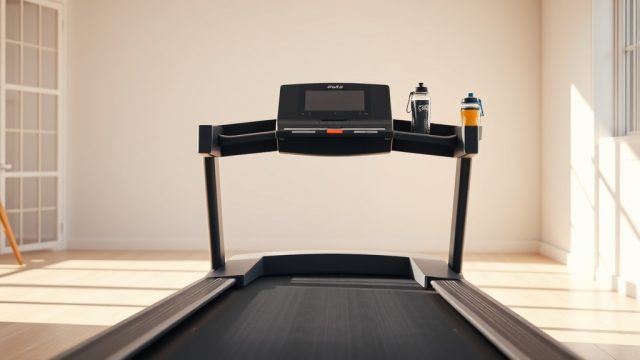
Why Is My NordicTrack Commercial 1750 Treadmill Display Not Working?
When the console on a NordicTrack Commercial 1750 goes dark or freezes mid-run, the first instinct is often to assume a major electrical failure. In reality, many display issues stem from minor, fixable problems such as loose connections, power interruptions, or simple software glitches. Before contacting support or replacing expensive parts, a systematic check can save time and money.
This guide covers the most common causes of a non-functional display on the NordicTrack Commercial 1750 and offers step-by-step fixes. If you are experiencing belt slippage or misalignment alongside display issues, consult our detailed guide on NordicTrack Commercial 1750: How to Fix a Misaligned Running Belt to rule out mechanical problems.
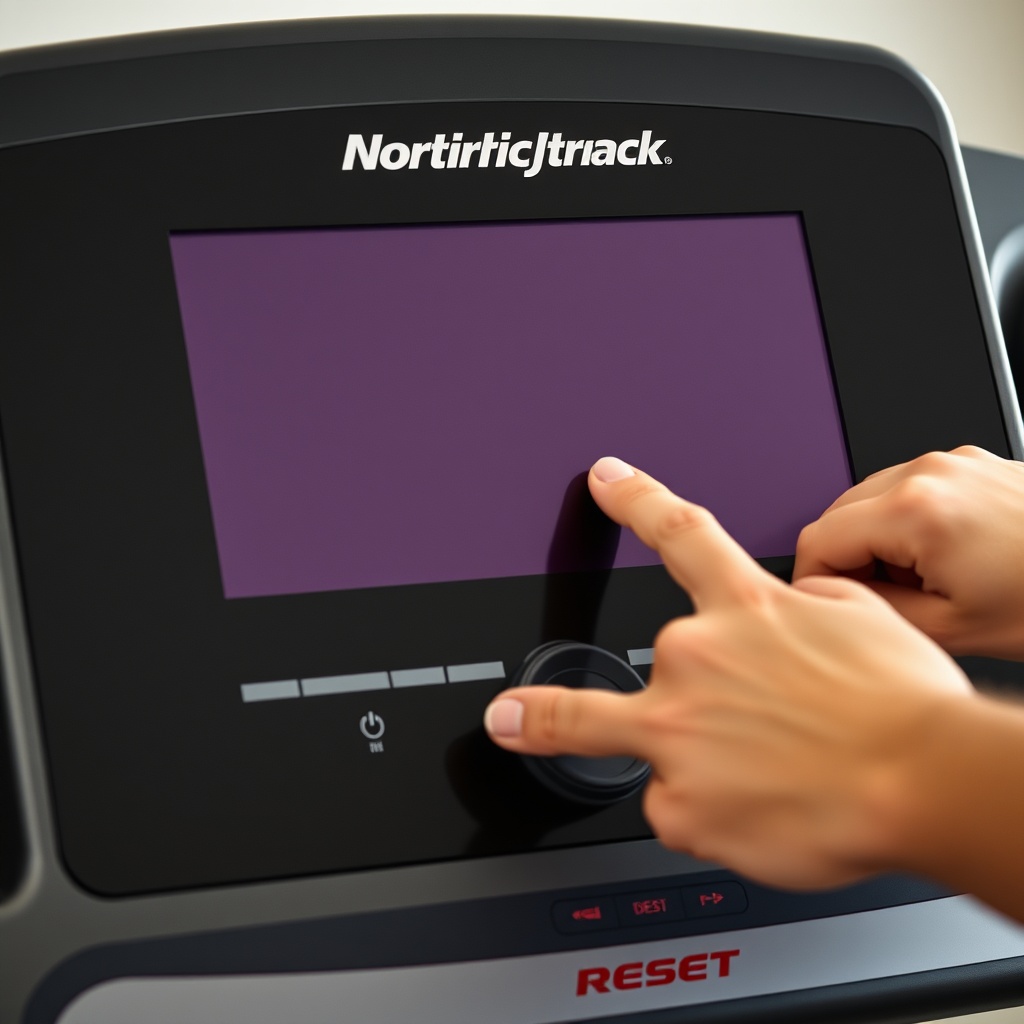
How Do I Perform a Hard Reset on the NordicTrack Commercial 1750 Display?
A hard reset clears transient electrical charges that can cause the display to remain blank or unresponsive. This is the quickest and most effective first step.
- Locate the on/off switch on the treadmill frame, near the power cord connection.
- Turn the switch to the Off position.
- Unplug the power cord from the wall outlet.
- Wait for 60 seconds to allow internal capacitors to discharge.
- Plug the power cord back into a confirmed working outlet.
- Turn the on/off switch to the On position.
- Press the Start button or incline button to wake the console.
If the display lights up but shows an error message, refer to the NordicTrack Commercial 1750: Common Error Codes and How to Fix Them article for error-specific troubleshooting.
What If the Console Still Has Power but the Screen Is Dark?
If the treadmill belt moves when you walk, or you hear the motor running, but the display remains blank, the issue likely lies within the console assembly itself. The backlight or LCD screen may have failed, or a ribbon cable inside the console may be loose.
Check the Ribbon Cables
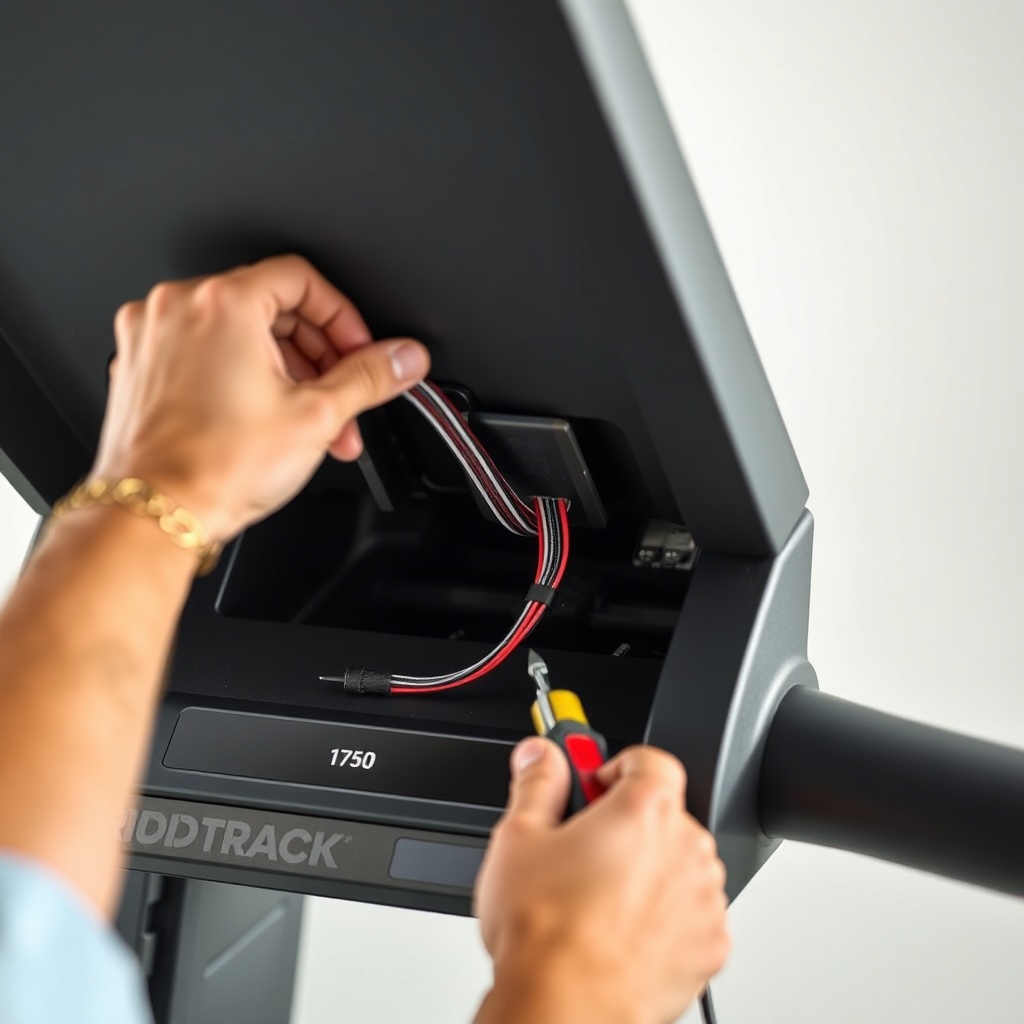
- Unplug the treadmill and remove the four screws securing the console mast cover (two on each side).
- Gently pull the mast cover away to expose the wiring harness and ribbon cables connecting the console to the lower control board.
- Examine all cables for secure insertion. Press each connector firmly into its socket until you hear or feel a click.
- Reattach the mast cover and test the display.
Test the Console Fuse
Some iterations of the Commercial 1750 include a small glass fuse inside the console near the power input. If the display is receiving voltage but remains dark, this fuse may be blown. You will need a multimeter to test continuity. Replace with an identical fuse (typically 5A, 250V).
If these steps do not restore the display, the console board may need replacement. This is less common than cable issues but can occur after power surges.
How Do I Check the Power Supply and Voltage to the Display?
Intermittent display issues often trace back to an unstable power supply. The NordicTrack Commercial 1750 requires a clean, dedicated 120V AC circuit in the US (GB: 230V in the UK). Using an extension cord or sharing a circuit with high-draw appliances can cause voltage drops that confuse the console.
| Power Issue | Symptom | Severity | Fix |
|---|---|---|---|
| No power to outlet | Display completely dark; no beeps or lights | High | Check breaker; test outlet with a known working device |
| Low voltage (under 105V) | Display flickers or resets during incline changes | Medium | Use a dedicated circuit; contact electrician |
| Power cord damaged | Intermittent power loss when cord is moved | High | Replace power cord (NordicTrack part #351670) |
| Surge protector tripped | Console resets after lightning or power fluctuation | Low | Reset surge protector; use a UPS for sensitive electronics |
Use a multimeter to confirm the voltage at the treadmill’s power input. If voltage is present but the display does not respond, the issue moves to the lower control board (LCB). A faulty LCB can prevent the console from receiving power from the motor controller. If you suspect overheating, see the guide on NordicTrack Commercial 1750 Treadmill Motor Overheating: Causes and Fixes for related electrical diagnostics.
How Do I Fix a Frozen or Unresponsive Touchscreen Display?
The NordicTrack Commercial 1750 features a 10-inch or 14-inch tilting touchscreen. If the screen appears frozen (showing an image but not responding to touch), or if it remains stuck on the iFit logo, a software or calibration issue is the likely culprit.
Perform a Factory Reset from the Settings Menu
- If the screen is partially responsive, navigate to Settings > Maintenance > Factory Reset.
- Enter the PIN (default is usually 1234 or blank).
- Confirm the reset. The treadmill will restart and reinstall the firmware.
Force Boot the Console
- Unplug the treadmill and wait 30 seconds.
- While holding the Start and Stop buttons simultaneously, plug the treadmill back in.
- Hold the buttons for 10-15 seconds until you see a system recovery menu.
- Select Wipe Data/Factory Reset using the buttons (if touch is unresponsive).
Update iFit Firmware via USB
If the console will not boot into the main interface, you can update the firmware manually. Download the latest firmware from the iFit website to a USB drive (FAT32 format). Insert the USB into the console’s USB port and power cycle the treadmill. The console should detect the update and install it automatically.
If the screen remains frozen after these steps, the touchscreen digitizer or mainboard may be faulty. Replacement console assemblies for the NordicTrack Commercial 1750 cost between £350 and £500 (US: $400–$600) depending on screen size.
What Owners Say About NordicTrack Commercial 1750 Display Issues
Owner reports on forums and review sites consistently highlight a few recurring themes regarding the display:
- Power surge sensitivity: Many users report the display stops working after a lightning storm or power outage, even with a surge protector. The internal fuses or LCB are often the first components to fail.
- Loose internal connectors: A surprising number of owners solved their dark screen by simply reseating the ribbon cable inside the handlebar console. This is a free, 10-minute fix.
- Software glitches after iFit updates: Several users noted the display became unresponsive or stuck after a major iFit update. A factory reset via the USB method resolved the issue in most cases.
- Display replacement cost vs. treadmill value: The most common complaint is that a replacement console (which includes the screen) costs nearly half the price of a new treadmill. For this reason, many owners recommend trying all software and cable fixes before ordering parts.
- Warping deck correlation: A few owners linked display problems to overheating caused by a warped deck. If your treadmill deck is uneven, see NordicTrack Commercial 1750 Treadmill Deck Warping: Causes and Fixes for inspection tips.
Overall, the consensus is that display issues on the Commercial 1750 are usually fixable without a service call if you work through the checklist methodically.
Frequently Asked Questions
1. Can I use the treadmill if the display is not working?
No. The NordicTrack Commercial 1750 relies on the console to control speed, incline, and safety functions. Running without a working display is dangerous because you cannot adjust settings or stop the belt in an emergency. Do not operate the treadmill until the display is functional.
2. How much does a new console cost for the NordicTrack Commercial 1750?
A replacement console assembly for the 10-inch screen model typically costs between £350 and £450 (US: $400–$550). The 14-inch model costs £450–£550 (US: $500–$650). You can order from NordicTrack or authorized parts dealers. Always verify the part number (e.g., 422105 or 426407) for your specific model year.
3. What should I do if the display shows a black screen but the treadmill beeps?
A beeping sound indicates the board has power but the display driver or backlight has failed. First, reseat all internal cables (ribbon and power). If that fails, the backlight inverter or display panel itself is defective. Replacement may still be cheaper than a new treadmill, but consider a used console from online marketplaces.
4. Why does the NordicTrack Commercial 1750 display work sometimes and not others?
Intermittent display behavior is almost always a loose connection or a failing power supply. Check the power cord for damage, especially near the strain relief where it enters the treadmill frame. Also inspect the console mast wiring for frayed or pinched wires. Intermittent issues can also be caused by a failing lower control board that overheats only after prolonged use.
5. Can I replace the display myself without voiding the warranty?
If your treadmill is still under NordicTrack’s factory warranty (usually 2 years on parts), opening the console assembly may void coverage. Always contact NordicTrack customer service first. If the warranty has expired, do-it-yourself replacement is straightforward: you remove the console mast cover, disconnect the old console, and install the new one. Follow the manual or video guides specific to your model year.
6. Is there a replacement safety key that affects the display?
A missing or broken safety key will prevent the treadmill from starting, but it should not cause a blank display. The safety key interrupts the motor circuit, not the console power. However, if the safety key connector inside the console is damaged, it can cause erratic behavior. For replacement options, see NordicTrack Commercial 1750 Safety Key Replacement Guide: Finding the Right Fit and Fixes. Regular maintenance like lubrication can also prevent electrical issues—learn more in NordicTrack Commercial 1750 Belt Lubrication Guide: How Often and What to Use.