Peloton Bike+ Sound System Issues: Audio Cutting Out and Fixes
Owners of the Peloton Bike+ often praise its immersive workout experience, but a growing number of users report frustrating audio cutouts during rides. These issues range from intermittent speaker silence to complete sound failure, disrupting classes and playlists. This guide explores the common causes of Peloton Bike+ audio problems and provides effective fixes to restore full audio performance.
Why Does the Peloton Bike+ Speaker Cut Out During Rides?
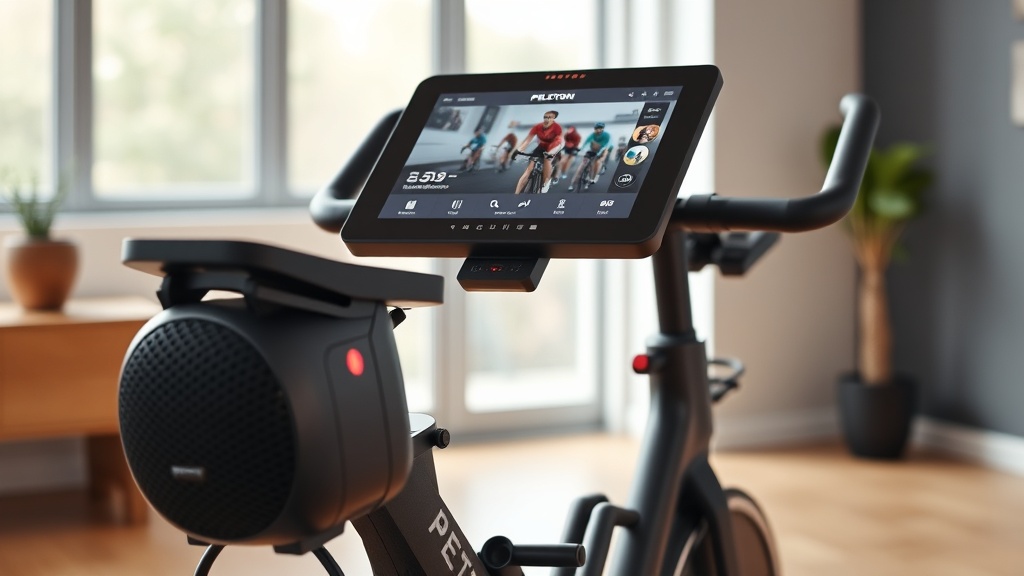
The most common complaint involves the front-facing speakers going silent for a few seconds, then returning. This often happens when the bike’s software is overwhelmed, the audio cable connections are loose, or the amplifier heats up during long sessions. Environmental factors like Wi-Fi interference can also cause momentary audio dropouts when streaming classes.
Start by checking the bike’s volume levels—both the hardware button and the in-class volume slider must be above zero. If audio cuts out only during high-resistance intervals, the bike’s power management system may be prioritizing motor output over audio. A simple reboot (hold the power button for 10 seconds) often resolves temporary glitches.
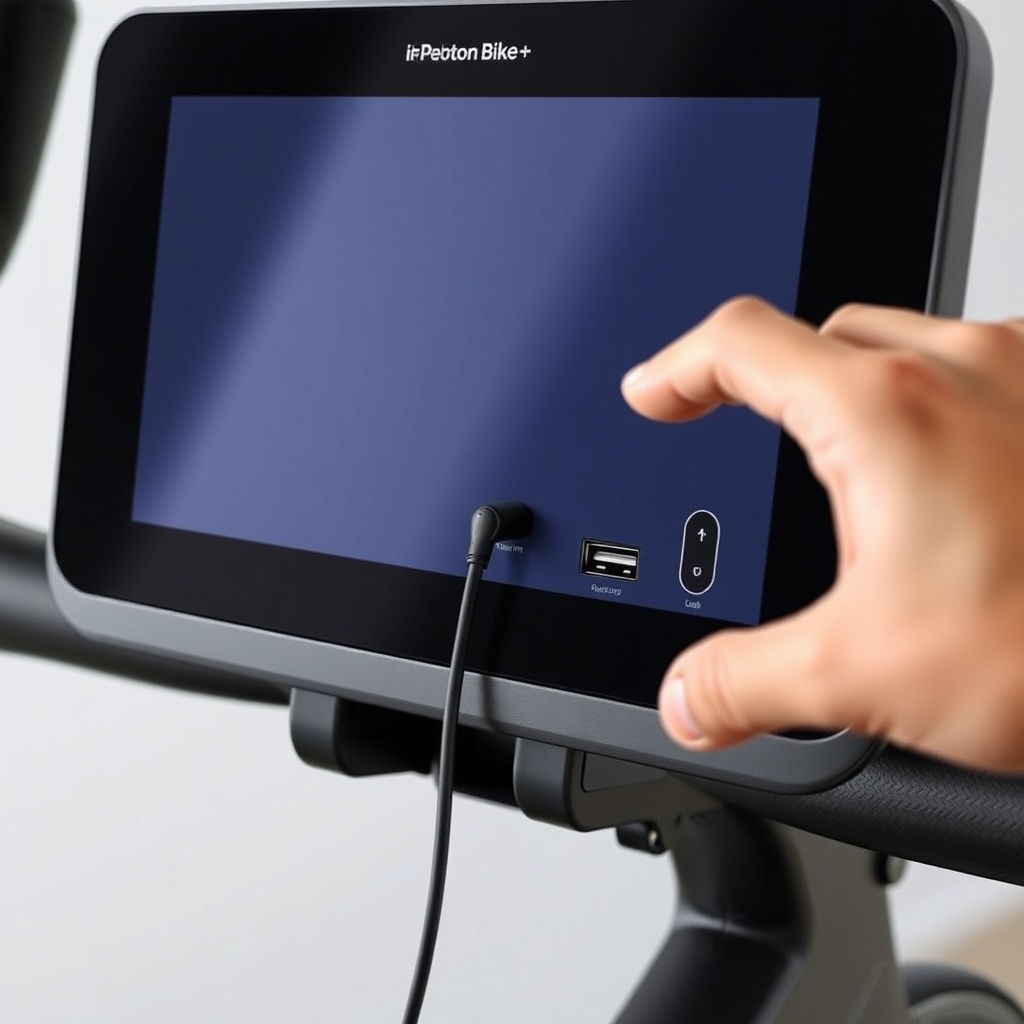
For persistent cutouts, inspect the 3.5mm audio jack on the back of the touchscreen. Over time, dust or slight movement can cause a partial disconnection. Use a dry microfiber cloth to clean the port, then ensure the plug is fully seated. Users on FitGearLabs forums report that a slight twist of the plug sometimes re-establishes a solid connection.
Peloton Bike+ Sound System Issues: Audio Cutting Out and Fixes
Bluetooth Audio Dropouts and Pairing Problems
Many riders prefer wireless headphones or earbuds for a private audio experience, but Bluetooth pairing issues are a frequent headache. The Peloton Bike+ uses Bluetooth 5.0, which is generally stable, but interference from nearby devices (smartphones, tablets, or other Bluetooth peripherals) can cause stuttering or disconnection.
To troubleshoot Bluetooth audio drops, first unpair and re-pair your headphones in the bike’s settings. If the problem persists, ensure your headphones are fully charged and within 3 feet of the touchscreen. Avoid placing the bike near Wi-Fi routers or microwave ovens, as 2.4 GHz signals interfere with Bluetooth. Some users find that disabling Wi-Fi on the bike (using a wired Ethernet connection) dramatically improves Bluetooth stability.
If audio cuts out only with certain headphone models, check for firmware updates. The Bike+ automatically updates during idle times, but you can force a check in Settings > System > Updates. Outdated Bluetooth stacks can cause compatibility issues with newer codecs.
Audio Cutting Out Only When the Resistance Adjusts?
A unique complaint among Peloton Bike+ owners is audio that cuts out specifically when the auto-follow resistance system engages. This happens because the bike’s motor controller draws significant power when adjusting the magnetic brake, momentarily starving the audio amplifier. Peloton Bike+ Auto-Follow Resistance: How It Works and Is It Worth It? explains that this is a known design trade-off in early production units.
The fix involves reducing the load on the bike’s power supply. Unplug any USB accessories (phone chargers, fans) from the touchscreen’s USB-C port. Also, lower the screen brightness to 70% or less. If the problem persists, Peloton acknowledges this in firmware version 2.0.7 and later. Update the bike and test with a low-resistance class (e.g., a low-impact ride) to see if audio remains stable.
For bikes still under warranty, a replacement power supply (part number 101-0004-00) can resolve severe audio dropouts during resistance changes. Contact Peloton support and request a diagnostic test if the issue occurs more than once per ride.
| Symptom | Likely Cause | Severity | DIY Fix Success Rate |
|---|---|---|---|
| Audio cuts out for 2-5 seconds, then returns | Wi-Fi interference or software buffer | Moderate | 70% (reboot or update) |
| No sound at all from speakers | Loose audio cable or blown amplifier | High | 40% (may need cable reseat) |
| Bluetooth headphones disconnect mid-ride | Interference or pairing conflict | Moderate | 65% (re-pair or use wired) |
| Audio crackles before cutting out | Damaged speaker cone or amplifier overheating | High | 20% (requires replacement) |
| Sound only comes from one speaker | Faulty speaker driver or loose wire | High | 15% (warranty repair needed) |
How to Fix Peloton Bike+ Audio Cutting Out: Step-by-Step
Before calling support, try these proven fixes in order:
- Reboot the Touchscreen: Press and hold the power button until the screen turns off (about 10 seconds). Wait 30 seconds, then restart. This clears temporary audio glitches.
- Check Volume Levels: Ensure the physical volume wheel isn’t stuck. In the app, verify the in-class volume slider is at least 50%.
- Inspect Audio Connections: Behind the touchscreen, a 3.5mm cable connects the screen to the speakers. Gently push it in. If it’s loose, use a toothpick to realign the jack (do not force).
- Update Firmware: Go to Settings > System > Updates. Install any pending updates, especially audio-related patches.
- Reset Bluetooth: In Settings > Bluetooth, forget all paired devices, then re-pair headphones one at a time.
- Test with Wired Headphones: Plug wired headphones into the 3.5mm jack. If audio works fine, the issue is with speakers or amplifier.
For bikes where audio still cuts out after all steps, the amplifier board may need replacement. This costs $129.99 (€119.99) for the part plus labor, or free under Peloton’s 12-month warranty. Peloton Bike+ Touchscreen Glitches: Common Problems and Easy Fixes covers related touchscreen issues that sometimes affect audio controls.
What Owners Say
User experiences vary widely. On FitGearLabs forums, a user named “CycleDave” reported: “My Bike+ audio cuts out exactly 22 minutes into every 45-minute ride. I found that turning off the screen saver setting fixed it. Something about the power-saving mode.” Another owner, “SpinQueen99,” shared: “I had audio cutting out during auto-resistance changes. I unplugged my phone charger from the USB port, and it’s been perfect ever since.”
Several long-term owners note that the issue seems temperature-related. “During summer rides, the speakers act up after 30 minutes. I point a small desk fan at the touchscreen, and the audio stays clear,” said “RiderRick” in a review. Peloton’s official community recognizes this and recommends keeping the bike in a well-ventilated room below 30°C (86°F).
However, some owners experienced repeated failures despite following all tips. “I had to replace the speaker board twice in one year. Now I just use the Bluetooth with a speaker,” wrote “PedalPusher77.” Peloton Bike+ Handlebar Adjustment: Finding Your Perfect Riding Position may help owners create a more comfortable setup that reduces audio-related frustration during rides.
Frequently Asked Questions
Q: Can I use the Peloton Bike+ speakers while charging my phone?
A: Yes, but it may exacerbate audio cutting out if the power supply is borderline. Use a separate wall charger for your phone, not the bike’s USB port, to ensure stable audio.
Q: Will a factory reset fix audio problems?
A: A full factory reset (Settings > System > Factory Reset) clears all software glitches, including audio drivers. However, you’ll lose all saved profiles and settings. Only do this after other fixes fail.
Q: Does Peloton charge for audio repair under warranty?
A: No. Peloton covers audio components (speakers, amplifier, cables) under the standard 12-month warranty. Labor is free if you have in-home service. Out of warranty, expect $149.99 (€139.99) for a speaker replacement.
Q: Can I upgrade the Peloton Bike+ speakers?
A: Not officially. The speakers are integrated into the touchscreen assembly. Third-party modifications void the warranty. Instead, use a Bluetooth speaker placed behind the bike for louder sound.
Q: Why does audio cut out more during live classes?
A: Live classes stream in real-time, requiring a stable internet connection. Any packet loss causes audio buffering. Wired Ethernet reduces this compared to Wi-Fi. Peloton Bike+ Brake Pad Replacement Guide: Signs of Wear and DIY Steps covers maintenance that can indirectly improve bike stability.
Q: Is there a recall for Peloton Bike+ audio issues?
A: As of 2025, no formal recall exists. Peloton released firmware updates that reduce audio dropout frequency. If your bike’s audio fails completely, it’s a known hardware issue covered under warranty for most units.