Peloton Bike+ Screen Flickering: Troubleshooting Guide for Touchscreen Issues
The Peloton Bike+ is a flagship piece of home fitness equipment, known for its immersive classes and sleek design. However, a screen that flickers or stutters during a ride can quickly turn a motivating session into a frustrating experience. This guide addresses common touchscreen flickering issues, offering practical troubleshooting steps to get your display stable again.
Whether you are seeing horizontal lines, brief blackouts, or persistent pulsing, the problem can stem from software glitches, power irregularities, or hardware failure. Before reaching for a replacement, work through these targeted fixes to save time and money.
Why Does My Peloton Bike+ Screen Keep Flickering During Rides?
Screen flickering on the Peloton Bike+ typically appears as a rapid, rhythmic dimming or a shimmering effect across the display. It may be most noticeable in low-light settings or when streaming high-definition classes. Common triggers include overworked graphics processors under heavy load, loose internal connections, or interference from the bike’s electromagnetic resistance system.
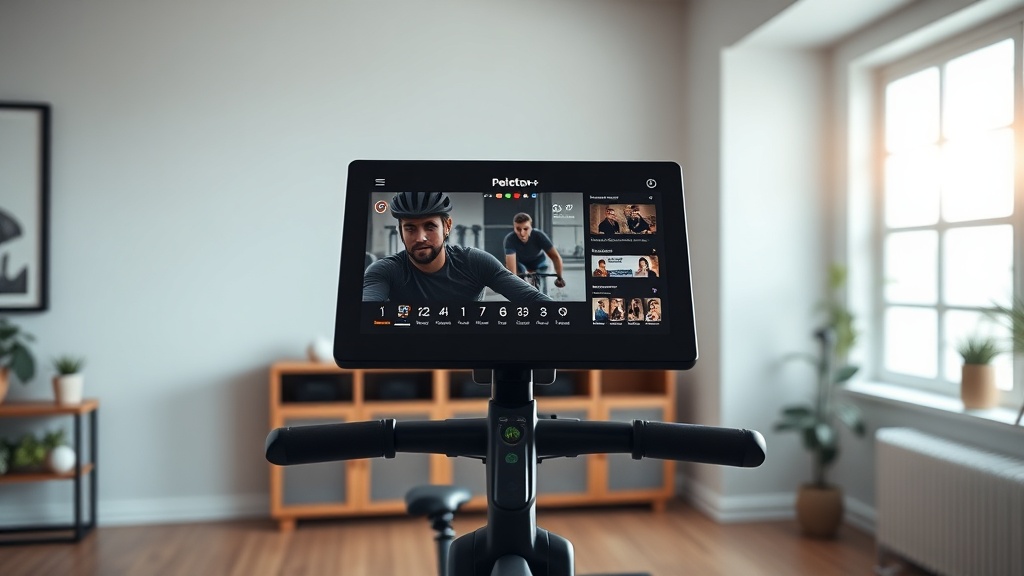
Many users report that flickering worsens after software updates or when the screen overheats. The 24-inch rotating display runs on a custom Android-based system, and like any tablet, it can suffer from resource contention. Start by checking for pending updates in the Settings menu under “System Update” to ensure no known fixes are missed.
How Do I Perform a Soft Reset to Fix a Flickering Screen?
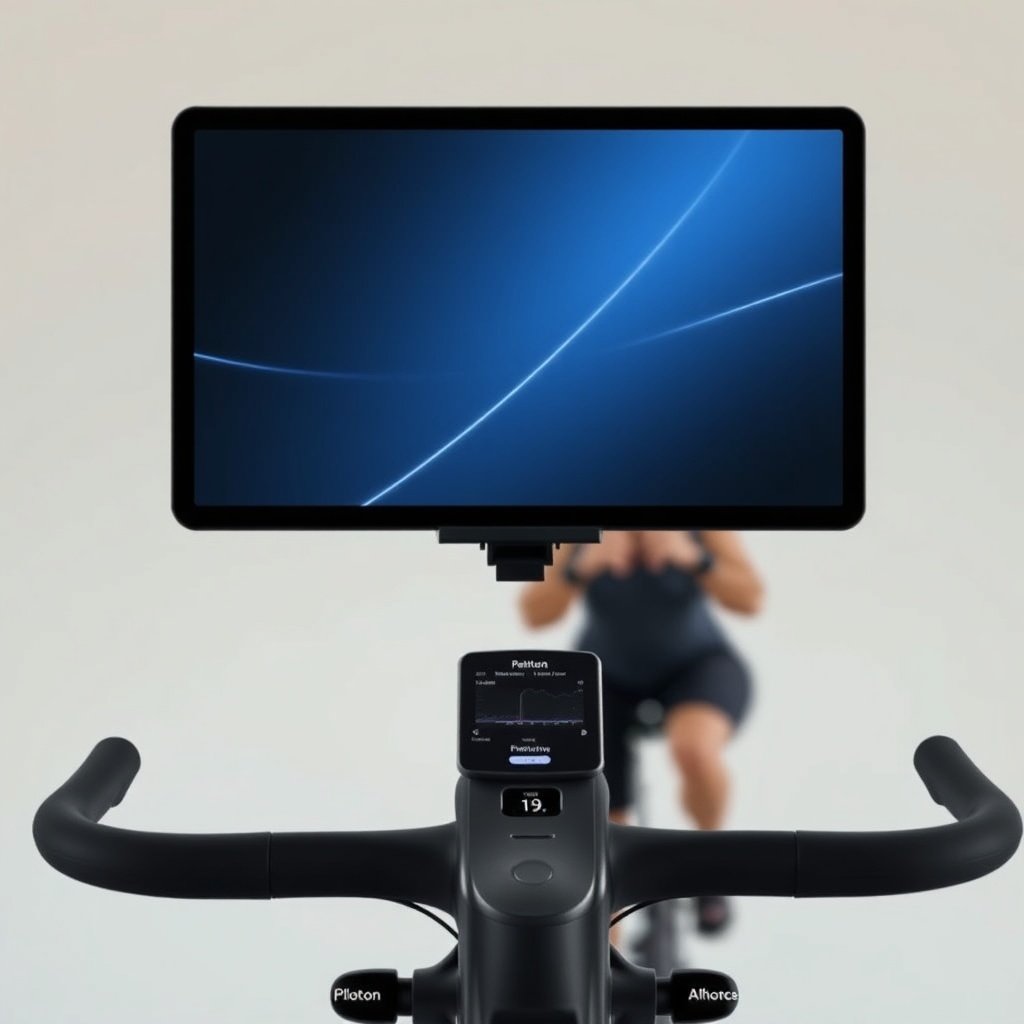
A soft reset is often the quickest cure for temporary display hiccups. Unlike a factory reset, this method preserves all your profile data, ride history, and saved preferences. To execute it safely:
- Hold down the red power button on the rear of the screen for 10 to 15 seconds until the screen goes black.
- Wait 60 seconds before pressing the power button again to restart.
- If the touchscreen remains unresponsive during flickering, unplug the bike from the wall outlet, wait two minutes, then plug it back in and power on.
This clears the temporary cache and refreshes the display driver. For persistent issues, check out our guide on Peloton Bike+ Touchscreen Glitches: Common Problems and Easy Fixes for additional software-level remedies.
Could a Loose Ribbon Cable Be Causing the Flicker?
Yes, a loose or partially disconnected internal ribbon cable behind the screen is a known cause of flickering on the Peloton Bike+. The cable connects the display panel to the main logic board, and vibration from riding can loosen it over time. Symptoms include flickering that stops when you press on the top-right or bottom-left corner of the screen bezel.
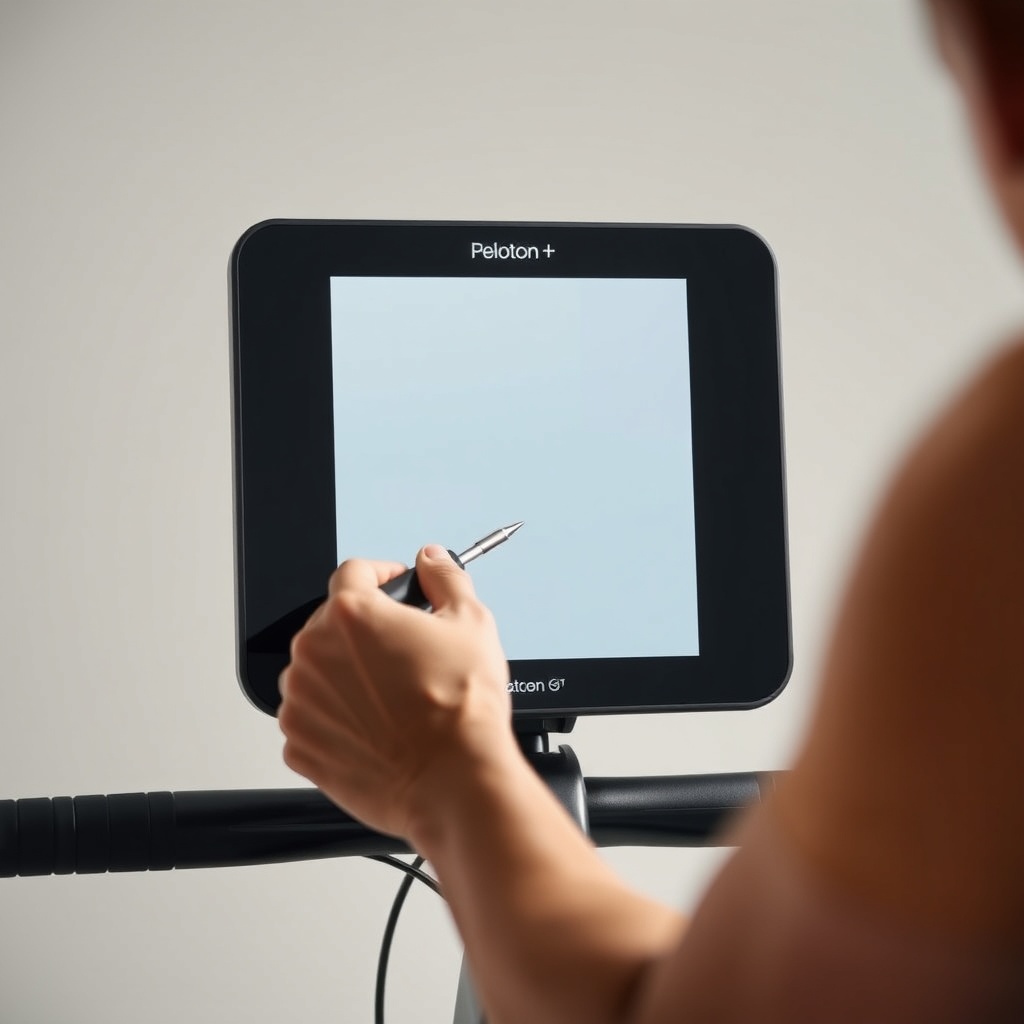
To inspect this, you will need a T8 Torx screwdriver and a plastic prying tool. Power down the bike completely and unplug it. Remove the four screws holding the rear cover of the screen housing. Gently lift the cover and check the flat ribbon cable marked “LCD.” Reseat it by pressing firmly until it clicks back into place. Retighten screws and test the screen.
If the flickering persists after reseating, the cable may be damaged. Consider a professional inspection, as DIY replacement requires delicate soldering.
What Settings or Apps Can Trigger Screen Flickering?
Certain features within the Peloton ecosystem have been linked to display flickering. The most common culprit is the Auto-Follow resistance system, which continuously adjusts the bike’s magnetic resistance during live classes. This feature sends frequent signals to both the screen and the flywheel, sometimes causing electromagnetic interference that manifests as brief flickers.
To test, disable Auto-Follow in the “Resistance” tab of the class screen. If the flicker stops, the issue is likely software-driven. Similarly, running the Netflix, Amazon Prime, or Disney+ apps on the Bike+ can push the graphics processor to its limit, causing display instability. Limit background apps or factory reset the screen as a last resort. Read more about this system in Peloton Bike+ Auto-Follow Resistance: How It Works and Is It Worth It? for detailed insights.
When Should I Check the Power Supply and HDMI Connection?
The Peloton Bike+ uses a proprietary 48V DC power adapter, and voltage fluctuations can cause screen flickering. If your home’s electrical supply is unstable, the screen may pulse or dim erratically. Examine the power cable from the wall outlet to the bike’s screen for any fraying, kinks, or loose connections. A damaged adapter often produces a faint buzzing sound alongside flickering.
For users who have mounted an external display or used an HDMI adapter (rare but possible), check that the cable is fully inserted and not damaged. The Bike+ screen does not have a native HDMI port, but third-party splitters can introduce signal noise. Reset the bike’s power by unplugging it for five minutes to drain residual charge from capacitors.
Below is a severity table to help you decide if professional service is needed:
| Symptom | Likely Cause | Severity | Recommended Action |
|---|---|---|---|
| Brief flicker every 10-20 minutes | Software glitch or auto-update | Low | Soft reset; check updates |
| Constant vertical lines or strobing | Loose ribbon cable or LCD failure | Moderate to High | Reseat cable or replace screen |
| Flicker only in low-light or dim scenes | Adaptive brightness sensor issue | Low | Disable auto-brightness |
| Flicker with buzzing sound from rear | Failing power supply board | High | Replace power adapter |
What Owners Say About Screen Flickering
User forums and product reviews reveal a mixed experience. Many owners praised the initial resolution after a soft reset, with comments like “the soft reset fixed it instantly—no issues for three months.” However, a notable subset reported recurring flickering after firmware updates, particularly version PE10.5.8, which seemed to exacerbate the problem on units with early 2022 manufacturing dates.
Owners of refurbished Bike+ models appear more prone to flickering, likely due to imperfect screen assembly during refurbishment. Some users resolved the issue by adjusting the handlebar height to reduce vibration transfer, as described in Peloton Bike+ Handlebar Adjustment: Finding Your Perfect Riding Position. A minority opted for a full screen replacement under warranty, which cost between $300 and $500 out of pocket.
One seasoned rider noted: “The flickering was maddening until I realized my HDMI extender cable was causing it. Removed it, and the screen has been perfect for months.” This highlights the importance of checking all peripherals.
Frequently Asked Questions
Can a software update permanently fix screen flickering?
Yes, Peloton periodically releases firmware updates that address known display bugs. Check the “System Update” section in Settings and install any available updates. However, if the flicker is hardware-related, software alone may not resolve it.
Will using a surge protector stop flickering?
It can help if the flicker is caused by power fluctuations. Peloton recommends plugging the bike directly into a wall outlet, but a high-quality surge protector with noise filtering can stabilize voltage. Avoid using extension cords.
Is screen flickering covered under Peloton warranty?
Yes, for the first 12 months after purchase, Peloton typically covers display hardware defects. Extended warranty plans also include screen issues. Contact support to arrange a diagnostic before attempting internal repairs yourself.
Can I still ride if the screen flickers but works intermittently?
You can, but it may affect your class experience and potentially worsen the internal connection over time. Use a phone or tablet as a secondary display if the flickering is severe, and schedule a repair promptly.
Does a flickering screen affect the bike’s resistance or braking?
No, the screen is primarily for content delivery. The resistance system is controlled by the handlebar levers and the magnetic brake, which operate independently. See Peloton Bike+ Brake Pad Replacement Guide: Signs of Wear and DIY Steps for brake upkeep.
What if the flickering only happens with the sound system?
Audio-related flickering is rare but possible if the amplifier board draws excess current. Test with headphones to isolate the issue. For audio problems, check Peloton Bike+ Sound System Issues: Audio Cutting Out and Fixes.